
Creating a cozy and inviting home workspace is more important than ever. Whether you work remotely full-time or occasionally need a quiet spot to focus, having a dedicated area that feels comfortable and inspiring can greatly improve your productivity and well-being. In this post, we’ll explore practical tips and ideas to help you design a workspace that’s both functional and welcoming.
Why a Cozy Workspace Matters
Your environment plays a key role in how motivated and focused you feel. A workspace that feels cold, cluttered, or uninspiring can make tasks seem harder and reduce your efficiency. On the other hand, a cozy and inviting space promotes calmness and creativity, helping you stay engaged and enjoy your work.
Choose the Right Location
Start by selecting a spot in your home that suits your daily routine and work style. Ideally, it should be quiet and free from distractions. If possible, pick a room with natural light—daylight can boost your mood and energy. If natural light isn’t available, invest in warm, indirect lighting to avoid harsh shadows and eye strain.
Tips for Location Selection
– Avoid high-traffic areas where people frequently pass by.
– Consider a corner in a less-used room if space is limited.
– Place your desk near a window to take advantage of daylight and views.
Invest in Comfortable Furniture
Comfort is essential for a workspace where you’ll spend several hours a day. Select an ergonomic chair that supports your back and encourages good posture. Your desk should be the right height for your body, allowing your arms to rest comfortably while typing or writing.
Furniture Tips
– Use a chair with adjustable height and lumbar support.
– Consider a desk with enough surface area for your computer, notebooks, and accessories.
– A footrest can add extra comfort if your feet don’t touch the ground.
Personalize Your Space
Adding personal touches can make your workspace feel more inviting and less sterile. Choose items that inspire you or bring you joy without creating clutter.
Ideas for Personalization
– Display a few photos or artwork that make you smile.
– Bring in plants to add color and improve air quality.
– Use decorative yet functional items like a stylish pen holder or a colorful mouse pad.
Organize Efficiently
A cluttered workspace can lead to distractions and stress. Develop a system to keep your tools and documents organized.
Organization Strategies
– Use desk organizers or drawer dividers to separate supplies.
– Keep only daily essentials within reach; store non-urgent items elsewhere.
– Try labeling storage boxes or files for easy finding.
Optimize Lighting
Proper lighting is crucial to reduce eye strain and maintain energy levels. Whenever possible, place your desk so natural light falls from the side rather than directly in front or behind your screen.
Lighting Tips
– Use a desk lamp with adjustable brightness and color temperature.
– Choose bulbs that mimic natural light for a softer ambiance.
– Avoid glare on your computer monitor by adjusting blinds or repositioning lights.
Incorporate Calming Elements
Small additions can make your workspace feel calming and help you focus better during busy days.
Calming Additions
– Use calming colors like soft blues, greens, or earth tones in your decor.
– Add a diffuser with essential oils such as lavender or eucalyptus for gentle aromatherapy.
– Play soft background music or nature sounds if it helps your concentration.
Maintain a Clear Routine
Beyond the physical setup, maintaining routines can help create a workspace atmosphere that supports productivity.
Routine Tips
– Set specific work hours to create structure.
– Take short breaks to stretch or refresh your mind.
– End your day by tidying your space to prepare for tomorrow.
Keep Technology User-Friendly
A cozy workspace also means smooth technology use. Keep cables tidy with clips or sleeves to avoid tangles. Make sure your internet connection is stable and your devices are within easy reach.
Tech Tips
– Position monitors at eye level to reduce neck strain.
– Use wireless devices to minimize clutter.
– Invest in a quality headset if you take video calls regularly.
Final Thoughts
Designing a cozy and inviting home workspace isn’t about having the fanciest gadgets or the biggest room. It’s about crafting a space where you feel comfortable, focused, and motivated to do your best work. By choosing the right location, investing in comfort, organizing efficiently, and adding personal touches, you can create an environment that supports both your productivity and well-being. Start small, experiment with what works best, and watch how your workspace transforms into a place you genuinely enjoy spending time.
Related Posts
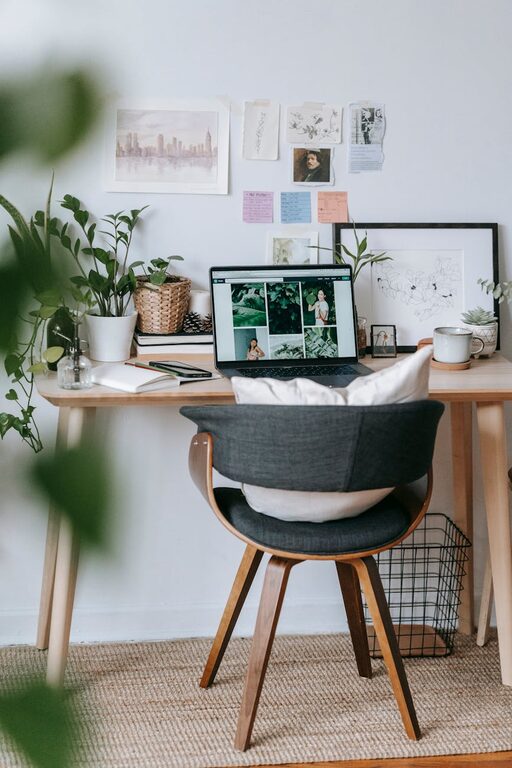
Tips for Creating a Cozy and Inviting Home Workspace
Creating a cozy and inviting home workspace is essential for…
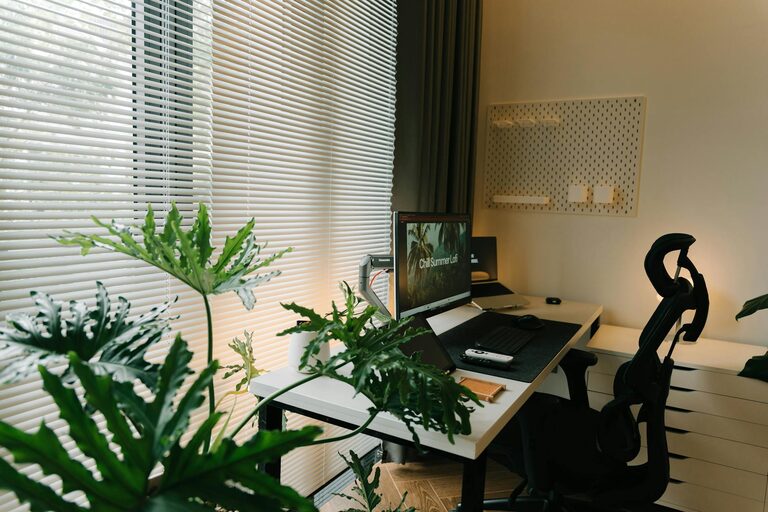
Tips for Creating a Relaxing Home Workspace to Boost Productivity
Creating a relaxing home workspace is key to maintaining productivity,…
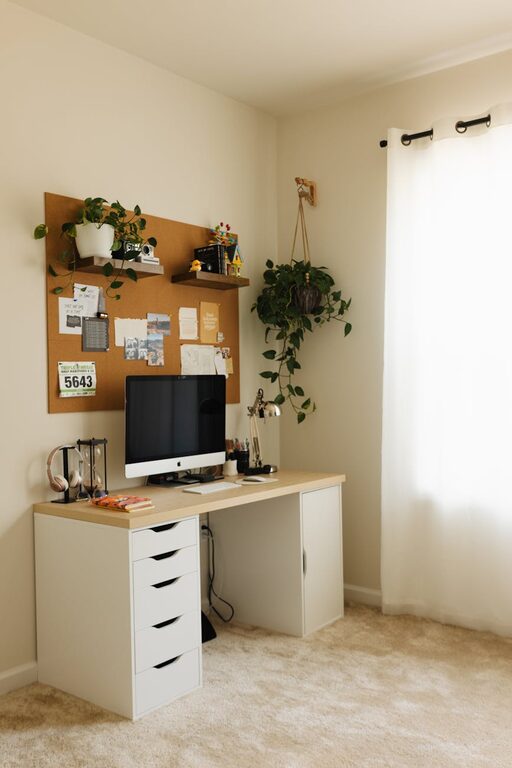
Tips for Creating a Cozy and Functional Home Office Space
Creating a home office that feels cozy yet functional is…